
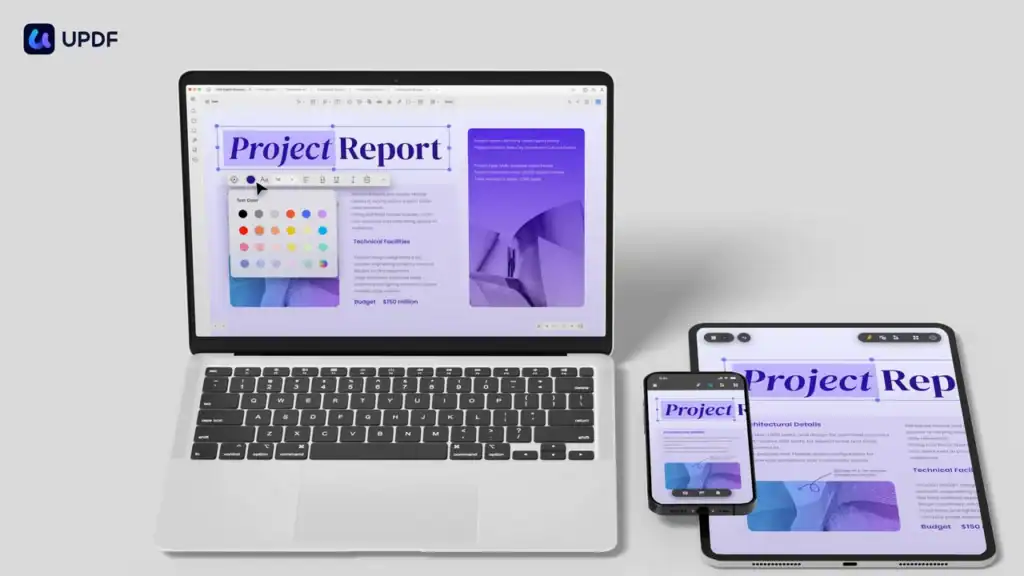
UPDF is an easy-to-use PDF editor that works on Windows, Mac, iOS, and Android. It helps you edit, convert, and organize PDFs in just a few steps. You can also protect, sign, and share your files with ease. If you often work with PDFs, this tool can save you time and effort.
Key Features
Edit PDF Files
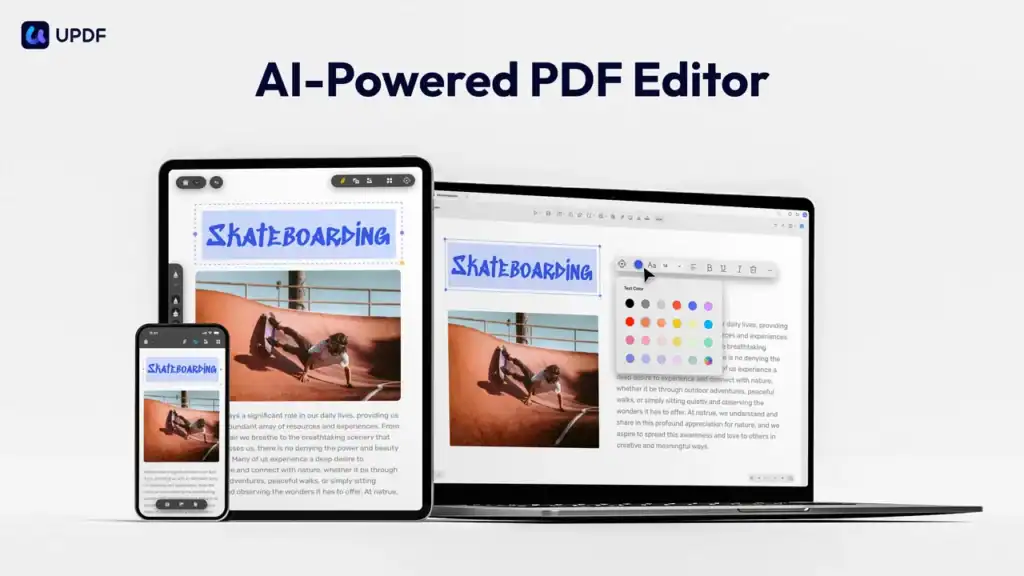
You can change text, images, links, watermarks, headers, and footers in any PDF. The layout stays clean and clear. Editing works on both desktop and mobile devices.
Convert to Many Formats
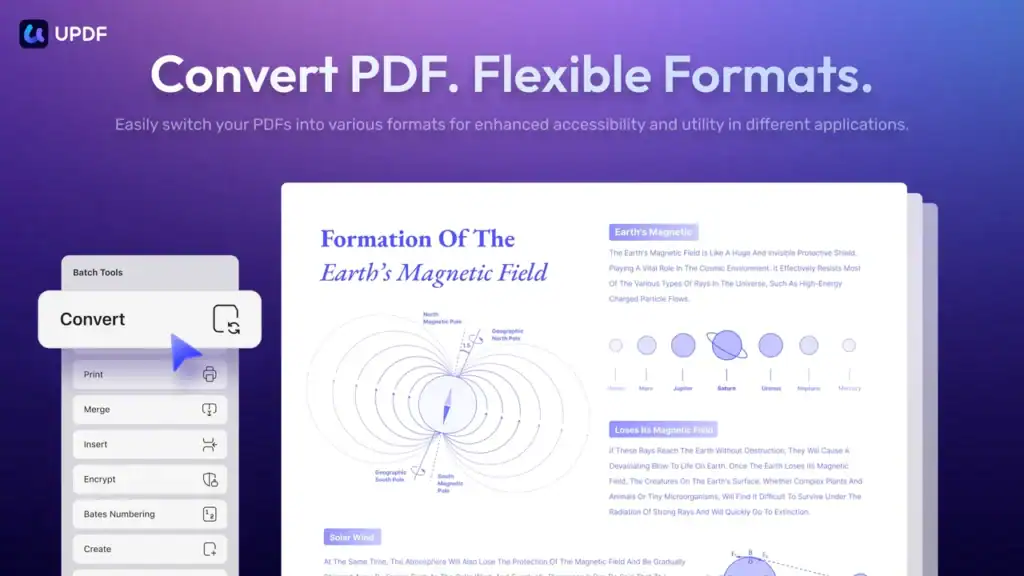
UPDF converts PDFs to Word, Excel, PowerPoint, images, HTML, CSV, and more. It keeps the original format safe. You can choose the full file or just a few pages.
Scan and Edit with OCR
Got scanned documents? UPDF’s OCR makes them editable. It supports 38+ languages and works fast on Windows and Mac (not all Mac versions).
Add Notes and Markup
Use highlights, underlines, shapes, and stamps to mark up your PDF. You can also draw or add comments. All notes are saved and easy to export.
Organize Pages
Move, delete, rotate, or split pages as you like. It’s quick and smooth. You can also combine or extract files easily.
Secure Your PDFs
Set passwords to stop others from opening or editing your file. Add watermarks or blackout text to hide private info.
Create Fillable Forms
Make forms with text boxes, checkboxes, and digital signatures. It’s simple to fill and sign on any device.
Compare Two PDFs
Need to check changes? UPDF can show you the differences between two files side-by-side.
Use Cases
- For Teachers: Make homework sheets or test papers as fillable forms. Mark student work with notes or stickers.
- For Freelancers: Sign contracts, edit invoices, or share project files quickly and safely.
- For Small Businesses: Handle forms, receipts, and reports in one place. Convert files for clients without losing design.
- For Mobile Users: Edit, scan, and send PDFs from your phone. It’s great when working away from your desk.
Pros and Cons
| Pros | Cons |
|---|---|
| Easy to use on all devices | AI tools not included in this deal |
| Supports OCR in many languages | OCR limited on some Mac versions |
| Works offline and converts many formats | No enterprise plan in this deal |
| One-time payment with lifetime access |

Hands-on Experience / My Honest Opinion
I used UPDF for a few weeks on both my laptop and phone. Editing text and images was smooth and fast. I liked how I could open a file, make changes, and share it in under five minutes. The tools are simple but powerful.
The OCR feature was a big plus. I scanned a few old documents, and UPDF turned them into real text I could copy and edit. The form creator was also useful for making client checklists.
What I didn’t like was that the AI tools were not part of the lifetime deal. Also, Mac users using the App Store version might miss some OCR features.
Still, for a one-time price of $59, UPDF offers huge value. It does most of what Adobe Acrobat does but without a monthly fee. If you work with PDFs often, this is a smart buy.