
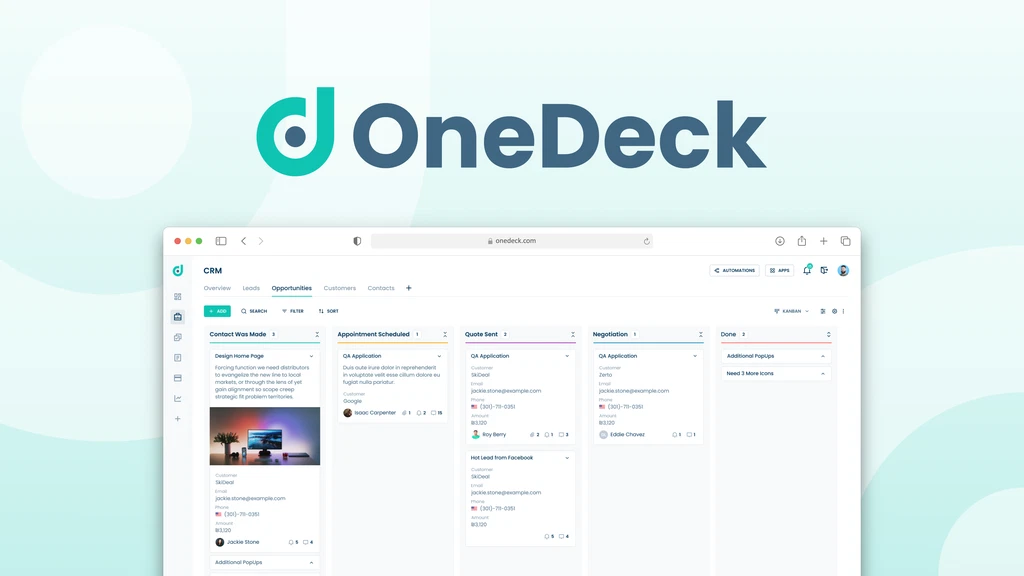
Running a business is tough. Using many apps makes it harder. OneDeck fixes this by putting everything in one spot. It helps you manage projects, clients, and your team all together.
Key Features
Choose Your View
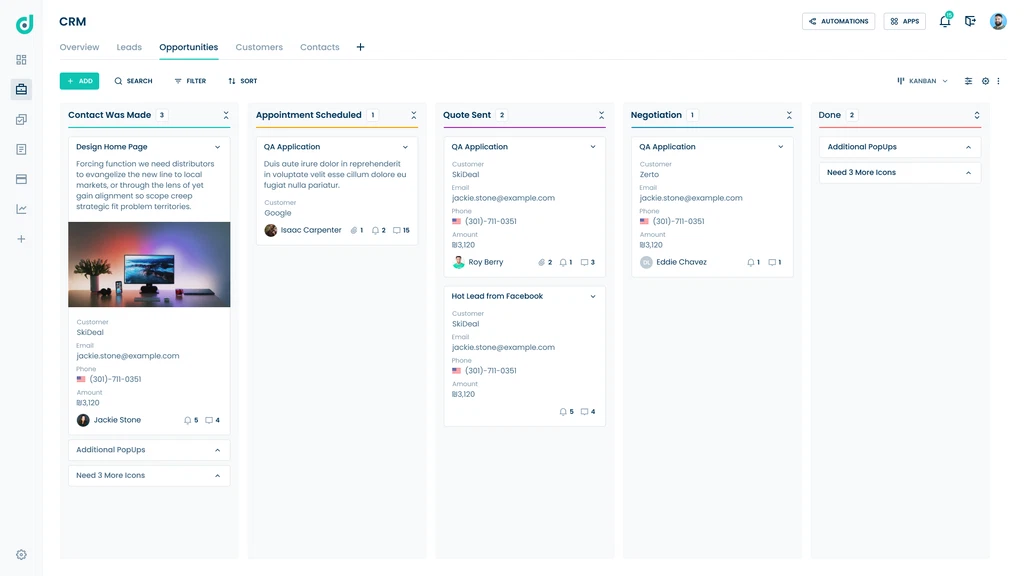
OneDeck lets you see your work the way you want. Use kanban, tables, calendars, or timelines. This helps you keep track and meet deadlines.
Easy Document Builder
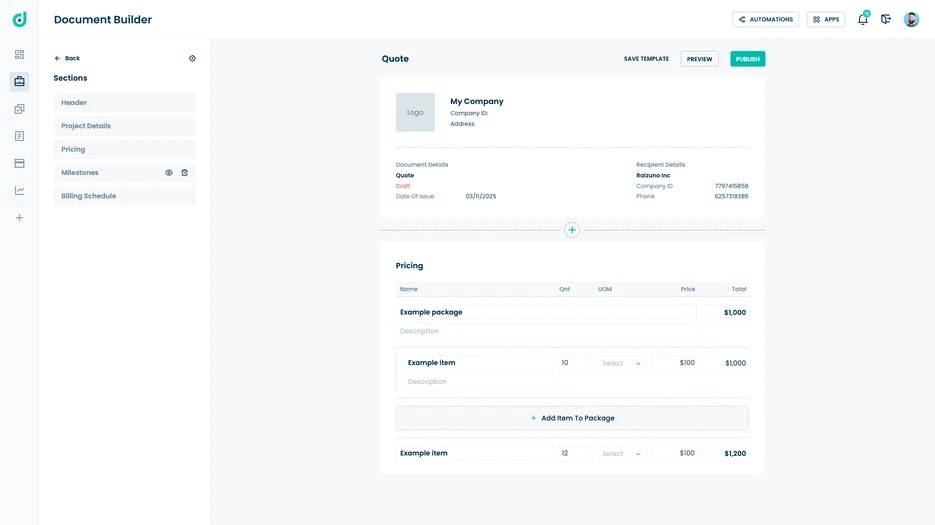
Make proposals, invoices, and contracts fast. Just drag and drop. OneDeck fills in client info automatically. No more copy-pasting.
Workflows That Run Themselves
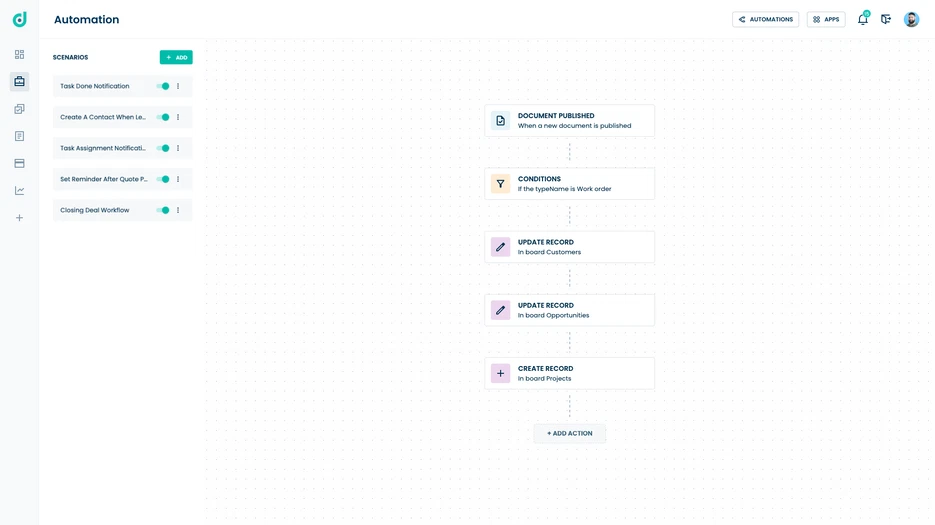
Set rules to do repeat tasks for you. Get reminders and update records without lifting a finger. This saves time and cuts mistakes.
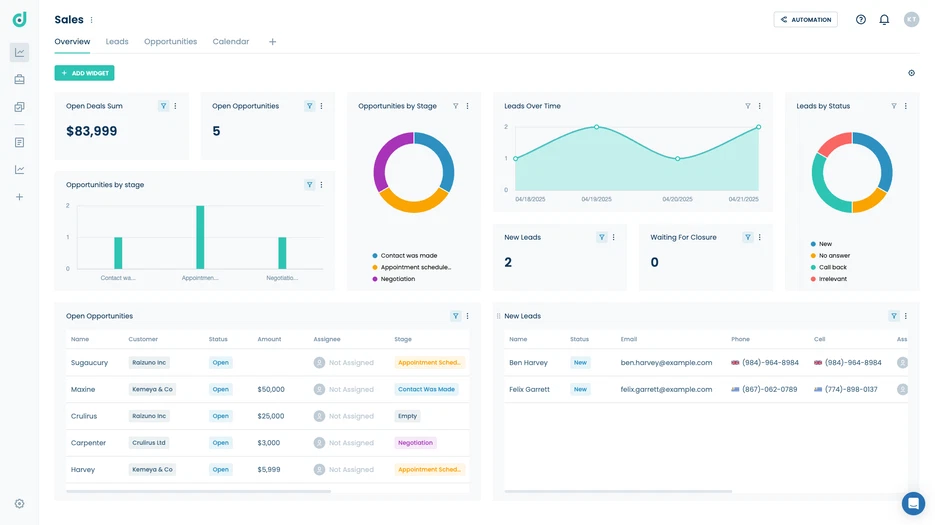
Dashboards You Can Change
See your key info all in one place. Track progress and results with clear visuals. You decide what to watch.
Who Can Use It?
- Marketers can run campaigns and manage clients with ease. Automation sends timely alerts.
- Project Managers can track tasks and deadlines. Teams stay on the same page.
- Sales Managers can build offers and follow leads faster.
- Small Business Owners get all their work tools in one simple system.
Pros and Cons
| Pros | Cons |
|---|---|
| All tools in one platform | No timer feature yet |
| Flexible views and dashboards | Advanced features need higher plans |
| Simple drag-and-drop documents | Storage limits on low plans |
| Saves time with automation | Fewer integrations now |
My Real Experience
I used OneDeck for a few weeks. The app is clean and easy. Switching views is quick and helpful. Automation cut down on small tasks a lot. It kept my team organized.
The basic plan fits small teams well. But bigger teams might need to pay more for extra features. The lifetime deal is a good price. The 60-day refund makes trying it risk-free.
If you want to stop switching apps and get organized, OneDeck is a great choice. It’s simple but powerful.