
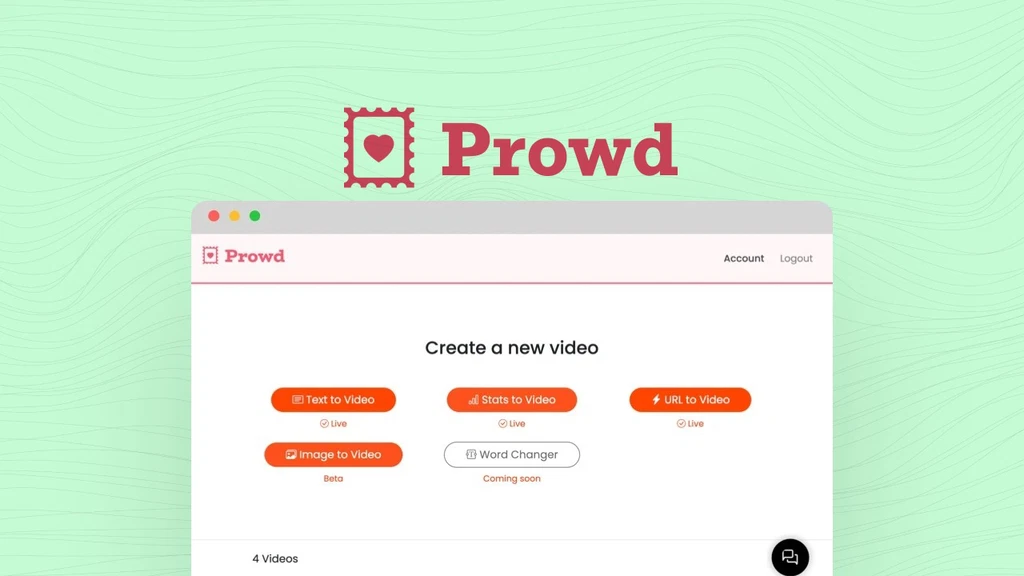
Video creation tools can be overwhelming, especially for non-designers. Prowd takes a fresh approach with lightweight, easy-to-use tools that help you make professional videos in minutes. Instead of bloated features, it focuses on speed, simplicity, and flexibility—perfect for freelancers, solopreneurs, and busy marketers.
Key Features
Text-to-Video
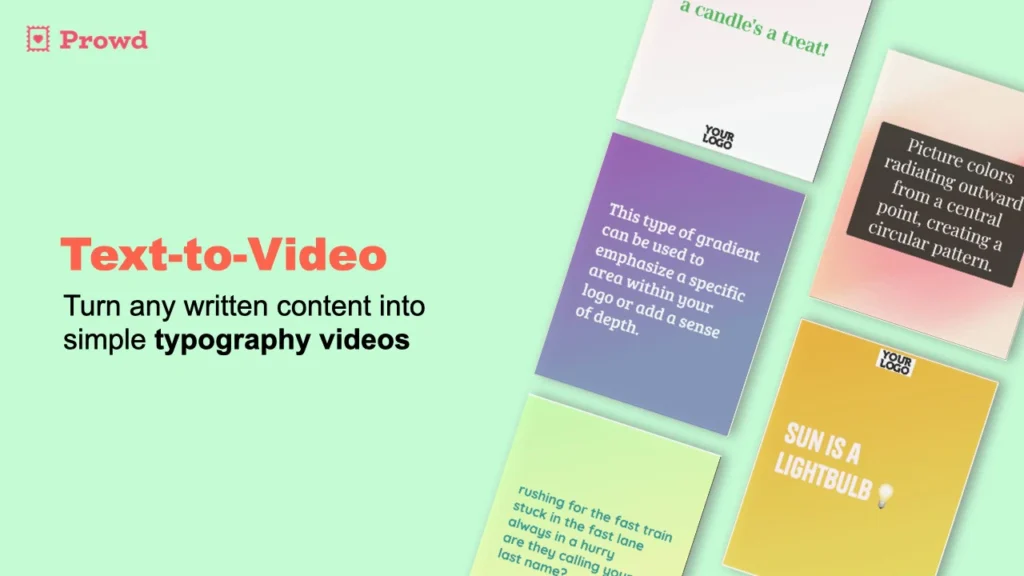
Turn plain text into engaging video content in just minutes. This tool is perfect for quotes, short stories, or announcements, letting you create polished videos without complex editing.
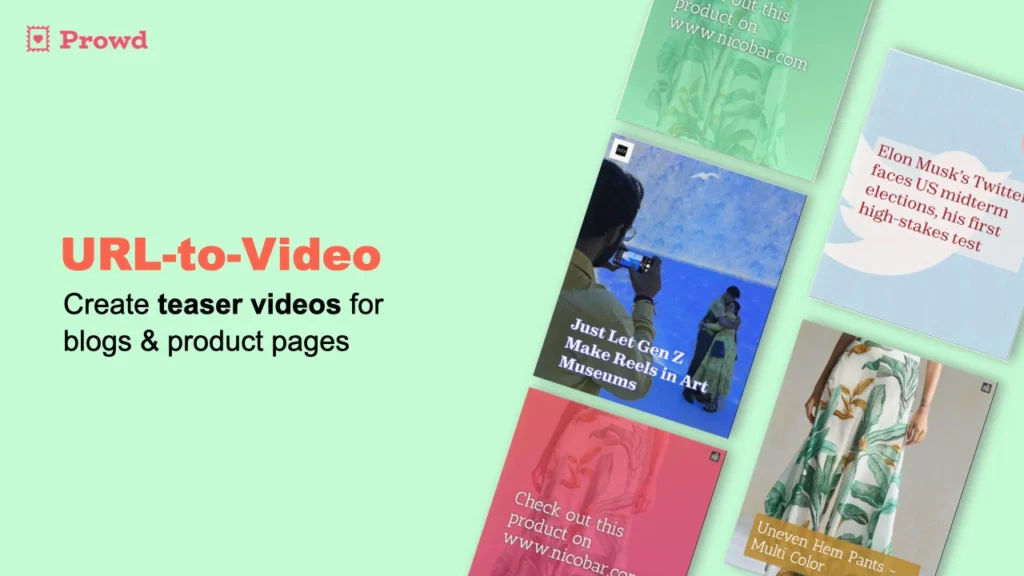
URL-to-Video
Paste a link, and Prowd transforms it into a video. Great for sharing articles, blogs, or updates in an eye-catching format that stands out on social media.
Stats-to-Video
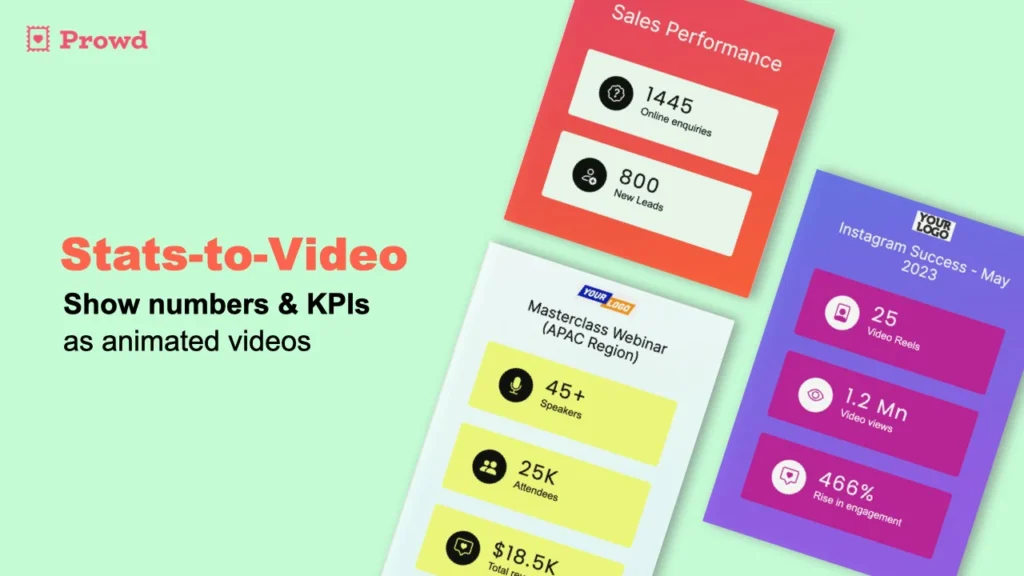
Numbers often feel dull, but this tool converts data into clean, animated visuals. Perfect for reports, case studies, or social posts that need quick attention.
Image-to-Video
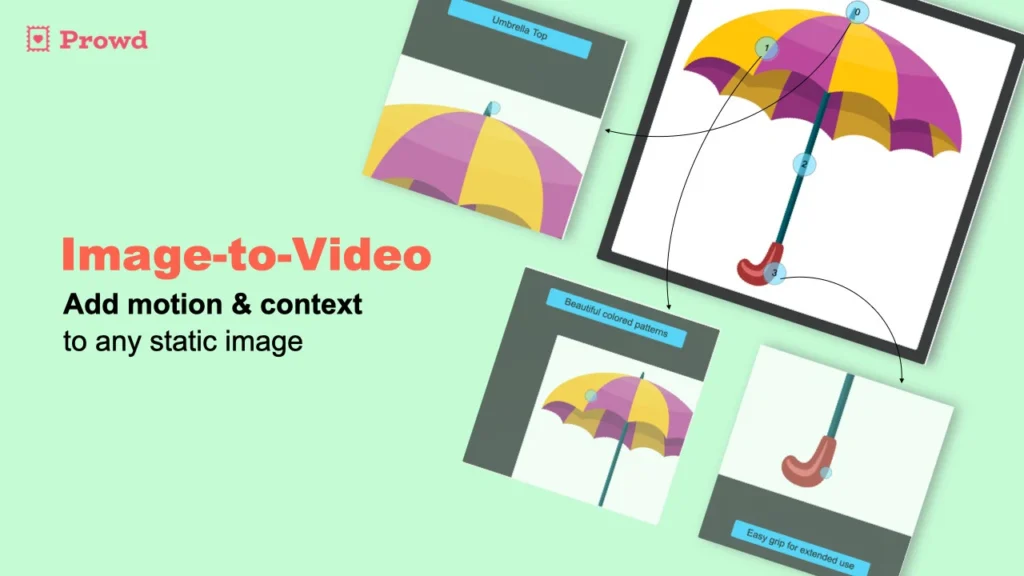
Upload images and instantly turn them into smooth videos. Add music, transitions, and branding for a professional finish. This tool works well for product showcases and marketing reels.
Fast Video Creation
Prowd is built for speed. Text-to-Video takes about 5 minutes, Stats-to-Video just 3 minutes, URL-to-Video around 4 minutes, and Image-to-Video only 2 minutes on average.
Use Cases
- Freelancers: Create quick videos for clients without spending hours on editing.
- Social Media Marketers: Produce scroll-stopping content to boost engagement.
- Solopreneurs: Save time and money by creating branded videos yourself.
- Educators & Coaches: Turn lessons, data, or guides into short, easy-to-watch videos.
Pros and Cons
| Pros | Cons |
|---|---|
| Very fast and simple to use | Not a full-featured editor like Premiere |
| Affordable one-time deal | Limited advanced effects |
| No watermark on exports | |
| Custom branding options |
Hands-on Experience / My Honest Opinion
I tried Prowd to see if it lives up to its promise, and I was impressed by how quick it was. Making a short Text-to-Video took me less than 6 minutes, and the result looked polished enough for social media. The interface is clean and distraction-free, which makes it perfect for people who don’t want to spend hours learning new software.
That said, it’s not for heavy video editing or advanced creators. If you need high-end transitions, layers, or cinematic effects, this won’t replace tools like Adobe Premiere. But for quick, branded videos that look professional, Prowd hits the sweet spot. For $49 lifetime access, it’s a solid investment for anyone who wants fast, reliable, and stress-free video creation.