
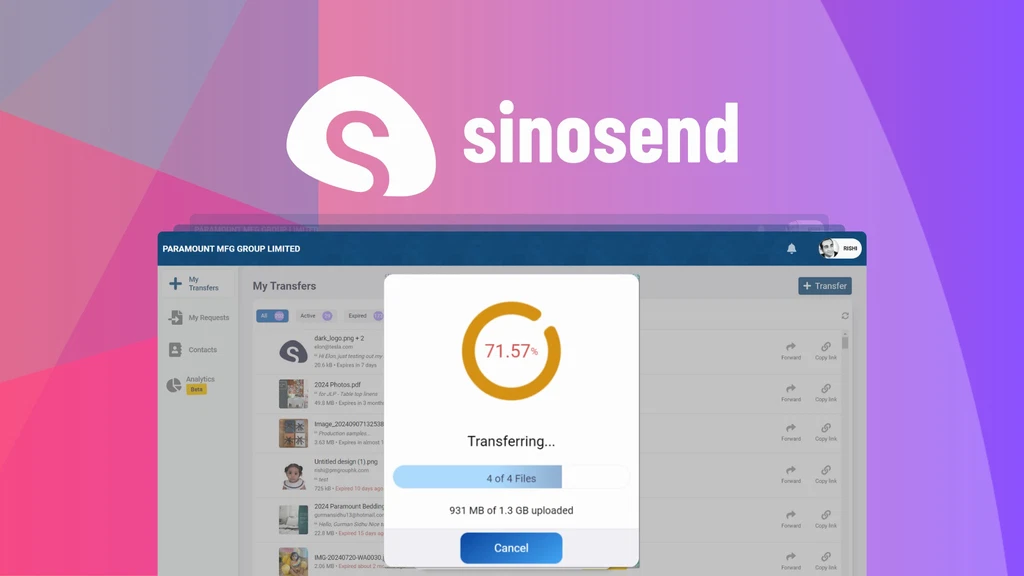
Sending big files can feel like a headache. Emails fail. Free tools have limits. And privacy matters more than ever. That’s why I tried Sinosend. It’s a smart tool to send big files, keep them safe, and know exactly who views them.
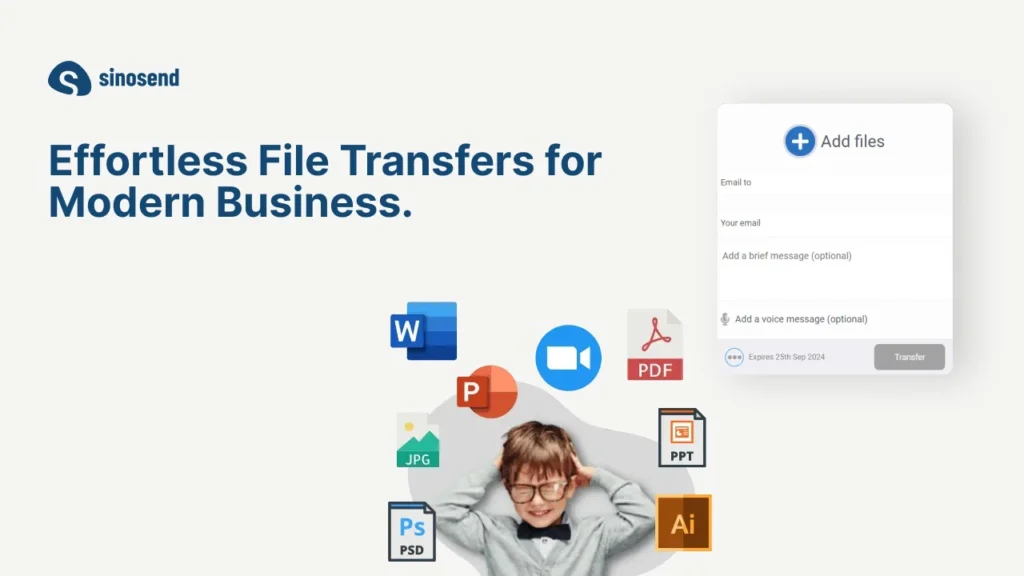
Key Features
Send Large Files Fast
Sinosend lets you send files that would crash your email. Upload folders or big files in a few clicks. If your internet cuts out, the upload picks up where it left off.
Know Who Sees Your Files
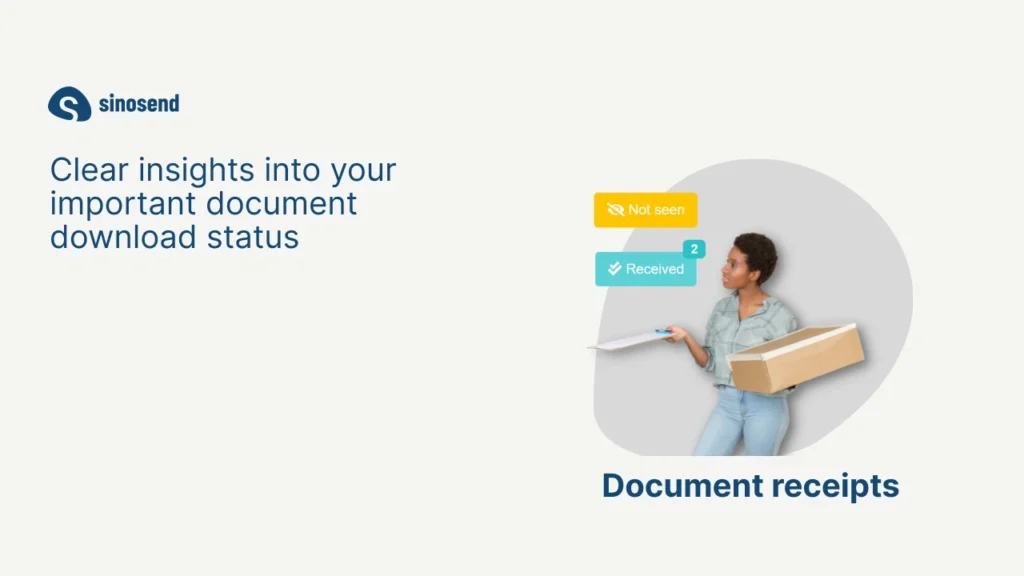
No more guessing if someone downloaded your file. Sinosend tells you right away when someone opens or views your link. It’s a relief for business deals or important docs.
Brand It Your Way
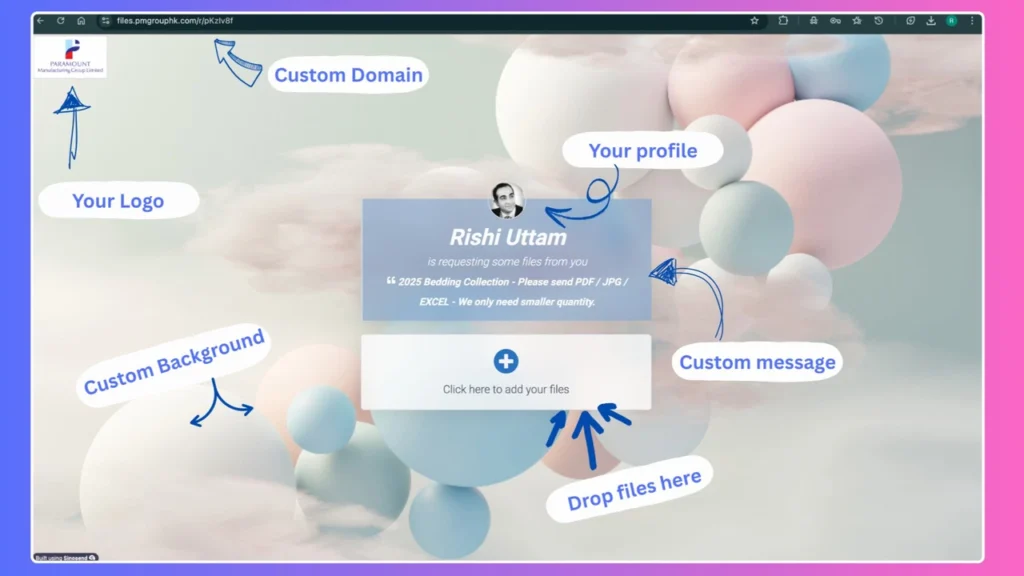
Want your files to look pro? Sinosend lets you add your logo, colors, and even your web address on higher plans. Your brand stays front and center.
Keep Things Tidy
Forget messy email attachments. Sinosend keeps all your files neat in one place. You can search old transfers and find files fast.
See Where People Are
Sinosend tracks where people open your files. You can see what cities or countries your users come from. It’s handy for sales and marketing plans.
Use Cases
- Sales Teams: Send big proposals or videos. Know when a client checks them so you can follow up at the perfect time.
- Creative Work: Designers can send high-quality art or video. Clients can preview it before they download, saving time on feedback.
- Small Businesses: Share contracts, reports, or marketing files. Keep your brand visible with your logo and custom links.
- Remote Teams: Swap big files without clogging your inbox. Perfect for teams in different places working on the same projects.
Pros and Cons
| Pros | Cons |
|---|---|
| Sends huge files up to 100 GB | Learning curve for the dashboard |
| Instant alerts on file views | Custom domains need higher plans |
| Strong branding tools | |
| Smart tracking and analytics |
Hands-on Experience / My Honest Opinion
I’ve worked in tech and digital content for over 10 years. I tried Sinosend for sending videos and big graphics to clients. It was easy to use. Uploads didn’t fail, even on my slow home Wi-Fi.
I loved the alerts. I knew the exact time a client opened a file. That made my follow-ups much smoother.
The look of my shared links impressed my clients. It felt pro. But the dashboard took me a bit of time to learn. And custom domains cost extra.