
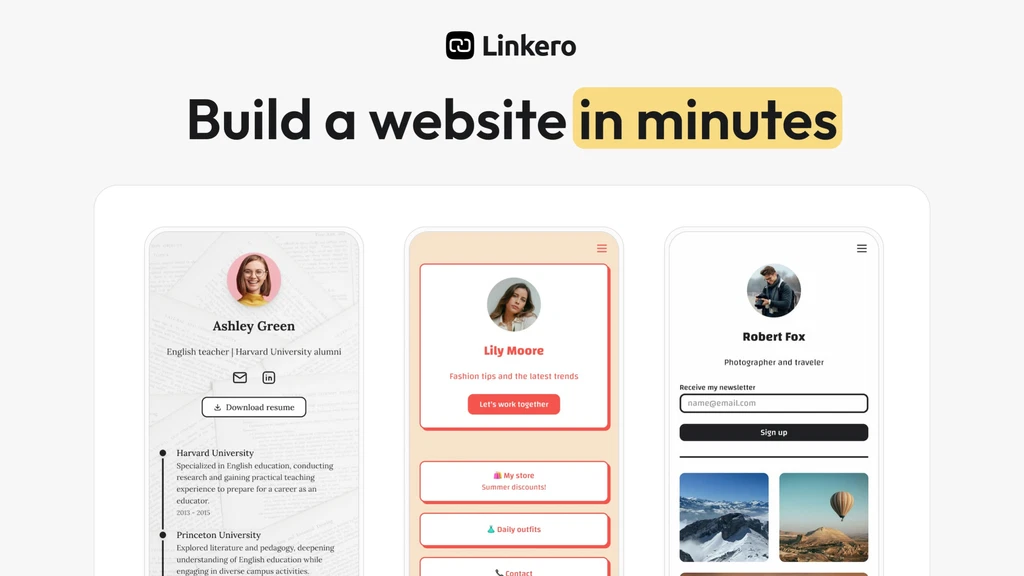
Linkero is a smart tool that helps you build a personal web page. You can add links, videos, and social profiles in one place. It’s made for creators, freelancers, and small business owners. No code, no stress—just a clean, simple page to share with anyone.
Key Features
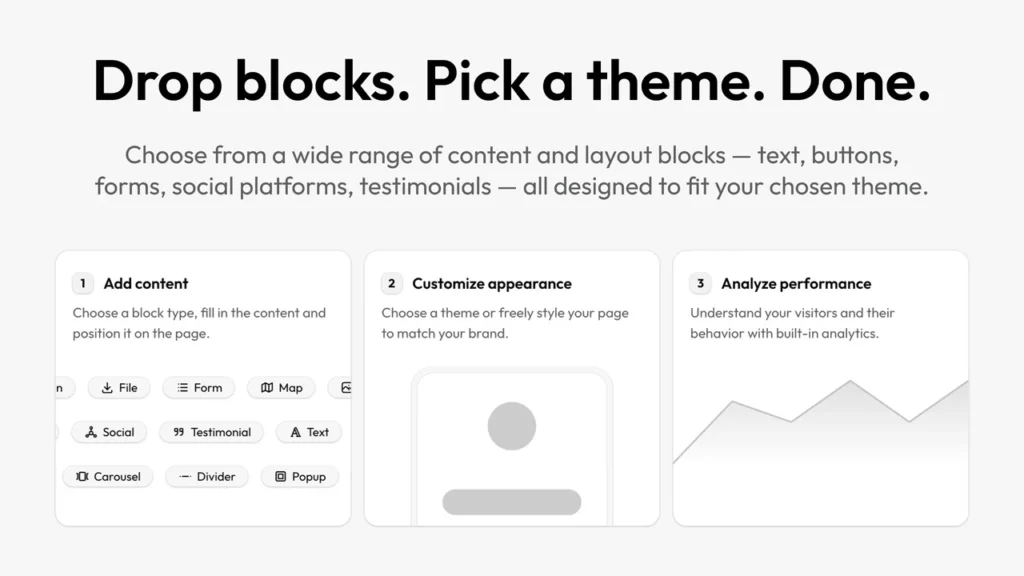
🎯 Easy Drag-and-Drop Builder
Linkero’s editor is simple to use. You can drag and drop links, text, videos, and more. It only takes minutes to build your page.
🎨 Full Page Customization
Choose your layout, colors, and fonts. Make the page match your style or brand with just a few clicks.
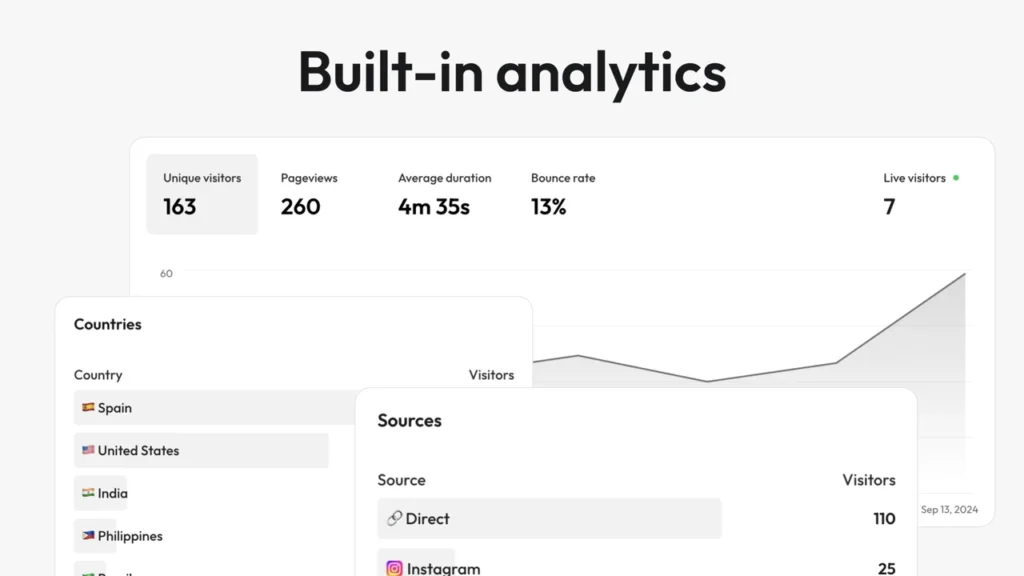
📈 Built-in Analytics
Track who visits your page and what they click. See data like device type, location, and traffic source.
🔍 SEO & Custom Domain
Make your page show up on search engines. Add your own domain for a more professional look.
🚫 Branding Control
You can hide Linkero’s branding. A white-label option is also coming soon.
Use Cases
📢 Creators
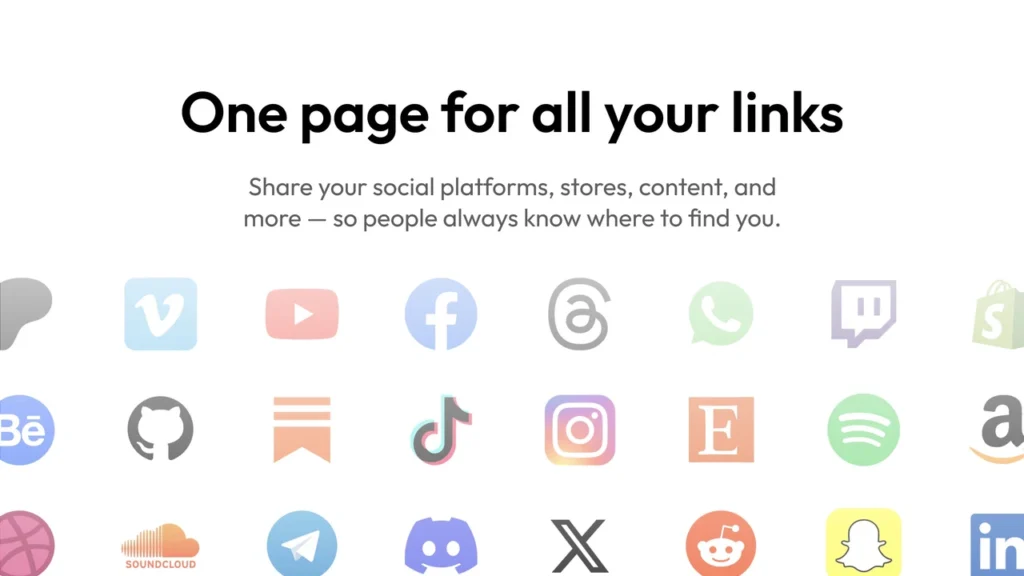
Artists, YouTubers, and streamers can show off all their content in one place. Fans don’t have to search through different links.
💼 Freelancers
Use it as a mini-site to share your portfolio, contact form, and reviews. Great for building trust and getting clients fast.
📱 Influencers
Perfect for a bio link. Add social buttons, promo videos, or product links—all while tracking what works best.
Pros and Cons
| Pros | Cons |
|---|---|
| Easy to use, no coding needed | No video or help docs yet |
| Real-time analytics | Can’t embed outside videos (yet) |
| Custom design and themes | |
| SEO-friendly with custom domains |
Hands-on Experience / My Honest Opinion
I tested Linkero to build a simple page for my online work. It only took 10 minutes. The drag-and-drop setup felt smooth and clear. I added videos, links, and even a contact form with no problem.
The built-in analytics were a big win. I could see what links people clicked and where they came from. While I wish there were tutorials, I didn’t really need one. If you want one smart link to share it all, Linkero is a great pick.