
If you’ve ever wondered how to get started with AppSumo or what happens after you sign up, you’re in the right place. Understanding the AppSumo onboarding process can save you time and help you unlock the full potential of the deals and tools you find there.
Whether you’re a first-time buyer or a software creator looking to launch your product, knowing each step clearly will make your experience smoother and more rewarding. Keep reading to discover exactly how AppSumo welcomes you on board and guides you to success—this insight might just change the way you use the platform forever.
Appsumo Account Setup
Setting up your AppSumo account is the first step to exploring great deals and tools. The process is simple and quick. It helps you get ready to buy and manage your purchases easily. This section explains how to create your profile and use the dashboard effectively.
Creating Your Profile
Start by signing up with your email or social media account. Use a strong password to keep your account safe. Fill in basic details like your name and contact information. Upload a profile picture to personalize your account. Make sure your information is correct. This helps in smooth communication and order management.
Navigating The Dashboard
The dashboard is your control center on AppSumo. It shows your purchased deals, available offers, and account settings. Use the menu to explore different sections quickly. Check your order history and download links in one place. Track your wish list and notifications easily. The dashboard keeps everything organized for you.
Product Submission Steps
Submitting a product to AppSumo involves clear, structured steps. These steps ensure your product gets the best chance to succeed on the platform. Understanding the product submission process helps sellers prepare and avoid common pitfalls. The main stages include preparing your product assets and listing through the seller portal. Each stage requires attention to detail for a smooth onboarding experience.
Preparing Product Assets
Gather all necessary materials before submission. This includes your product description, images, and pricing details. Clear, simple descriptions help buyers understand your product quickly. Use high-quality images that showcase your product well. Include any demo videos or screenshots that explain features. Prepare your terms of service and refund policies too. These assets support a strong product listing and build trust with customers.
Listing Through Seller Portal
Log in to the AppSumo seller portal to start your listing. Follow the step-by-step prompts to enter your product details. Upload your prepared assets as requested. Set your deal price and available quantity carefully. Review all information for accuracy before submitting. The portal guides you through each part of the listing process. After submission, AppSumo reviews your product for approval. Stay ready to answer any questions from the AppSumo team.
Launching Your Product
Launching your product on AppSumo marks a key step in reaching a broad audience. This phase requires clear focus and strategy to make your launch effective. Careful planning helps your product stand out and attract buyers. Success depends on knowing who your product serves and how to spread the word effectively.
Target Audience Identification
Identify who benefits most from your product. Think about their needs, problems, and goals. Use simple categories like age, profession, or interests to define your audience. This focus helps tailor your message and product features. Clear audience identification boosts the chances of your product gaining traction.
Marketing And Promotion Tips
Create clear and engaging messages about your product. Use simple words and highlight key benefits. Share your product on social media and relevant forums. Offer special deals or discounts to early buyers. Collect feedback and reviews to build trust. Consistent promotion keeps your product visible to potential customers.

Credit: cxl.com
Onboarding New Customers
Onboarding new customers at AppSumo is designed to be simple and clear. The process helps users start using their purchased products quickly. It focuses on making every step easy to follow. This way, new customers feel confident and supported right from the start.
AppSumo ensures users understand how to activate their licenses and explore the product features. The onboarding process uses helpful guides and clear instructions. This support helps reduce confusion and speeds up the learning curve. The goal is to make the experience smooth and enjoyable.
Activating Licenses
After purchase, users receive a license key to activate their product. AppSumo provides clear steps to enter this key. The process is straightforward and fast. Users simply copy their license from their account page. Then, they paste it into the product’s activation field.
This activation unlocks full access to the software. It confirms the user’s purchase and starts their subscription or lifetime access. AppSumo also offers support if any issues arise during activation. This ensures no delays in using the product.
Guided Product Tours
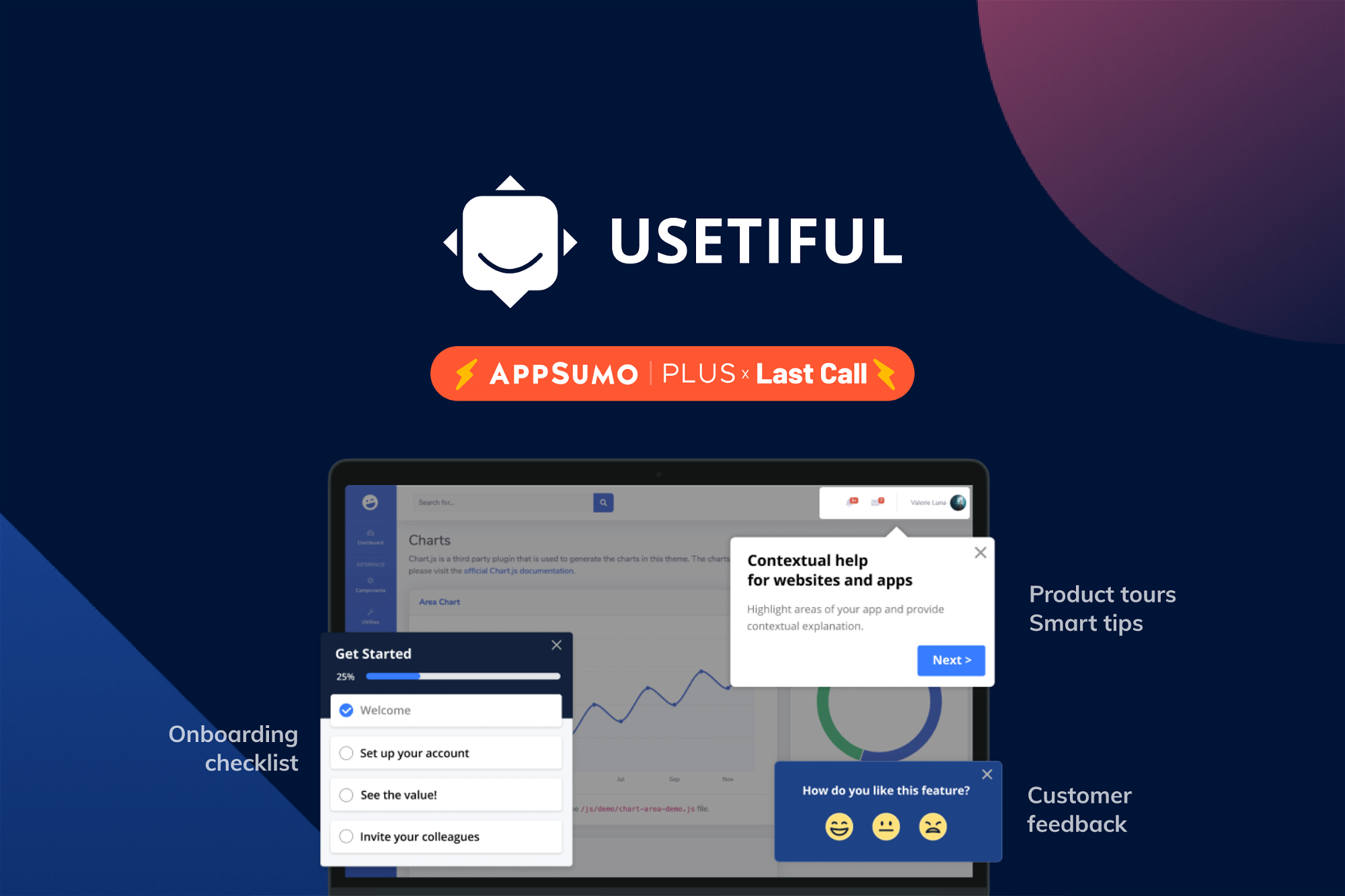
AppSumo often includes guided product tours as part of onboarding. These tours walk users through key features step-by-step. They highlight important tools and settings to explore. The tours use simple language and visual cues to help users understand quickly.
Guided tours reduce the time needed to learn new software. They also help customers avoid common mistakes. This creates a positive first impression of the product. Users gain confidence by seeing how to use features effectively right away.
Managing Deals And Licenses
Managing deals and licenses on AppSumo is simple and clear. After you buy a deal, you need to keep track of its details and how to use it. This section shows how to find important info and activate your purchases. It helps you make full use of your AppSumo deals.
Lifetime Deal Details
Lifetime deals give access to products without extra payments. You can see deal terms on your AppSumo account page. Check what features are included and any limits. Each deal page shows the product’s lifetime status clearly. This helps you understand what you get and for how long.
Keep an eye on updates from the seller. Sometimes features change or improve. You stay informed by reviewing your deal details regularly. This ensures you use your purchase to its full potential.
Redeeming Codes
After purchase, you receive a code or link to activate the product. Redeem codes by following the seller’s instructions on the deal page. Usually, you enter the code on the product’s website or app. Some deals require creating an account first.
Save your codes safely. If you lose them, you might not access the product. AppSumo also stores your codes in your account for easy retrieval. Use the codes quickly to start using your new tools without delay.

Credit: neuronwriter.com
Partner Vetting Process
The Partner Vetting Process at AppSumo ensures only quality products join the platform. This step protects customers and maintains AppSumo’s reputation. Every partner undergoes a thorough review before approval.
AppSumo focuses on trust and reliability. They want to offer deals that bring real value. The vetting process helps filter out unsuitable or low-quality offers. It is a key part of onboarding new partners.
Initial Contact
AppSumo starts the vetting with an initial contact. Interested partners submit their applications online. The team reviews basic product information and company details. This helps them decide if the product fits AppSumo’s audience.
During this stage, AppSumo checks for clarity and completeness. They look for a working product that solves real problems. The team may ask questions to learn more about the partner and product.
Quality And Compliance Checks
Next, AppSumo performs quality and compliance checks. They test the product’s features and usability. The goal is to confirm the product meets promised standards. Any bugs or issues can delay approval.
Compliance checks ensure the product follows legal rules and AppSumo policies. This includes data privacy, licensing, and user rights. Only products that pass these checks move forward in the process.
Automating Onboarding Tasks
Automating onboarding tasks streamlines the process of welcoming new users to AppSumo. It reduces manual work and helps new customers start using products quickly. Automation ensures consistency and saves valuable time for both the team and users.
AppSumo uses smart tools to guide users step-by-step. This makes the onboarding smooth and easy to follow. Automation also helps track progress and handle routine tasks in the background.
Using Virtual Tours
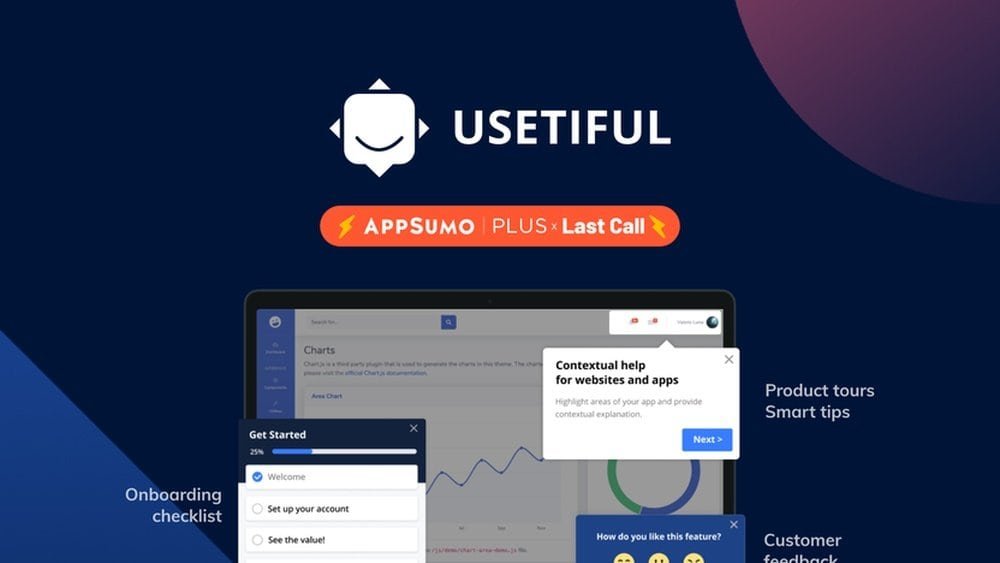
Virtual tours provide a clear, interactive way to introduce new users to AppSumo’s features. These tours highlight key areas and show users how to navigate the platform. Users learn by doing, which helps them remember better.
Virtual tours remove confusion and reduce support questions. They work on any device and do not require extra setup from users. This makes onboarding faster and less stressful.
Back-office Workflow Automation
Back-office workflow automation handles repetitive tasks like sending welcome emails and updating user records. This system works quietly behind the scenes to keep everything organized.
Automation tools trigger actions based on user behavior, such as completing a step or redeeming a deal. This ensures timely communication and follow-up without manual input. It helps keep users engaged and informed throughout the onboarding journey.
Earnings And Commissions
Earnings and commissions form the backbone of the AppSumo onboarding process. Understanding how much you can earn and the commission structure helps you plan your sales strategy better. AppSumo offers clear and competitive rates to reward partners fairly for their efforts.
Knowing the payment process also ensures smooth and timely receipt of your earnings. AppSumo’s system is designed to be straightforward and transparent, minimizing confusion and delays for new sellers.
Commission Rates
AppSumo offers a standard commission rate for sellers. Typically, partners receive a percentage of each sale made through the platform. This rate can vary depending on the product category or promotional deals. Usually, the commission ranges from 30% to 50%, giving sellers a healthy profit margin.
These rates motivate sellers to promote their products actively. The more sales you generate, the higher your total earnings. It’s important to check the exact commission details when you onboard, as some products may have special terms.
Payment Process
AppSumo pays partners through a reliable and timely system. Payments are usually made monthly after verifying sales and commissions. Sellers must provide valid payment details during onboarding to avoid delays.
The platform supports several payment methods, including PayPal and direct bank transfers. After each payout cycle, you receive a detailed report showing your earnings and commissions. This transparency helps track your performance and plan future campaigns.
Troubleshooting Common Issues
Troubleshooting common issues during the AppSumo onboarding process helps users start smoothly. Problems can cause delays and frustration. Knowing how to fix typical errors saves time and effort. This section covers frequent problems users face and their solutions. Clear steps assist in resolving troubles fast.
Account Problems
Account issues often block access to AppSumo features. Forgotten passwords are a common cause. Use the “Forgot Password” option to reset it quickly. Sometimes, accounts may get locked after multiple failed login attempts. Contact AppSumo support to unlock your account in such cases.
Verification problems happen if email confirmation is missed. Check your inbox and spam folder for the confirmation email. Resend the verification link if needed. Ensure your email address is correct during sign-up to avoid delays.
Billing errors might appear during payment or subscription setup. Double-check your payment details and card validity. Update your payment method if charges fail. Review your bank statements for declined payments.
Product Listing Challenges
Submitting product details incorrectly can delay approval. Follow AppSumo’s guidelines for product descriptions and images. Use clear, concise language to describe your product’s benefits. Include all required information to avoid rejection.
Technical issues may arise when uploading files or assets. Check your internet connection and file size limits. Clear browser cache or try a different browser if problems persist. Contact support for persistent upload failures.
Delays in product review happen during high submission volume. Be patient and monitor your dashboard for status updates. Respond promptly to any requests from the AppSumo team to speed up approval.
Credit: appsumo.com
Frequently Asked Questions
Is The Appsumo Lifetime Deal Really For Lifetime?
Yes, AppSumo Lifetime deals grant access for the product’s lifetime. Access lasts as long as the product exists and the partner supports it.
How Much Commission Does Appsumo Take?
AppSumo typically takes a 50% commission on product sales made through its platform. This fee covers marketing and platform support.
What Percentage Does Appsumo Take?
AppSumo takes a 50% commission on each deal sold through its platform. This fee covers marketing and platform services.
How To Get Listed On Appsumo?
Prepare your product assets, submit your listing through AppSumo’s portal, and promote your launch actively to get listed successfully.
Conclusion
The AppSumo onboarding process is simple and clear. It guides users step-by-step to start quickly. Preparing your product and assets helps the launch go smoothly. Following the process reduces confusion and saves time. New users get the support they need from the start.
This approach builds trust and encourages success. Understanding each step makes onboarding less stressful. Overall, AppSumo helps sellers and buyers connect easily. The process supports growth and user satisfaction. Keep these points in mind to navigate AppSumo with ease.