
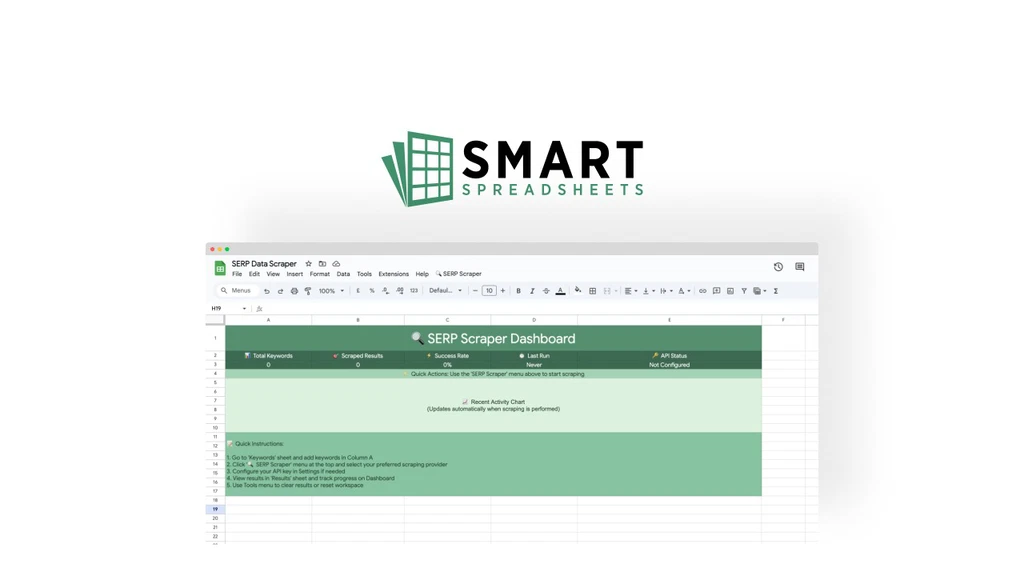
Running an online business can be tough. Many apps and tools make it hard to stay organized. SmartSpreadsheets fixes this by turning Google Sheets into a powerful tool. It helps you automate tasks like website building, content writing, data scraping, and store management—all inside Google Sheets.
Key Features
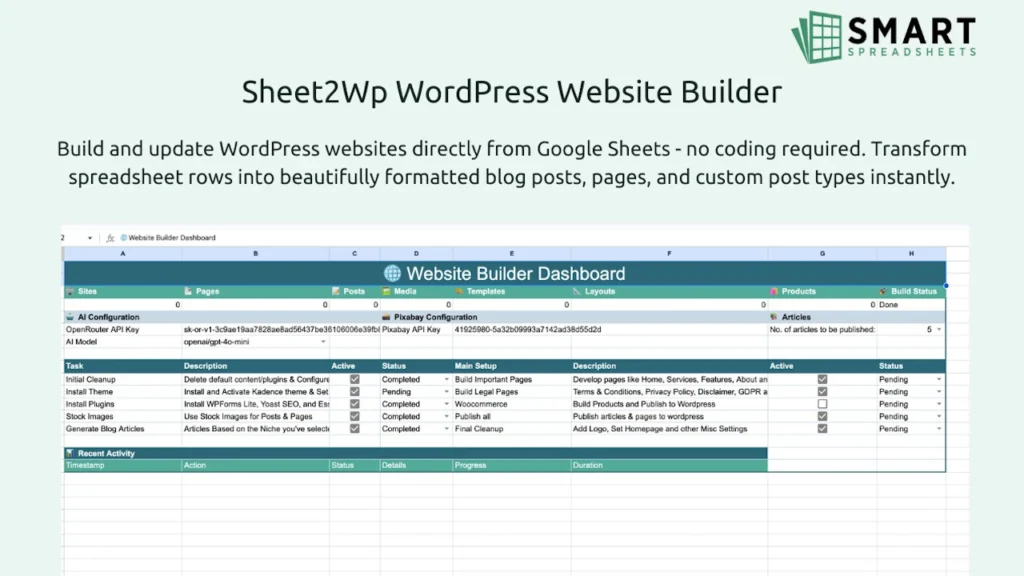
Build WordPress Sites Without Coding
You can create a WordPress website using only Google Sheets. No coding is needed. The tool sets up your site, installs themes, and lets you publish fast.
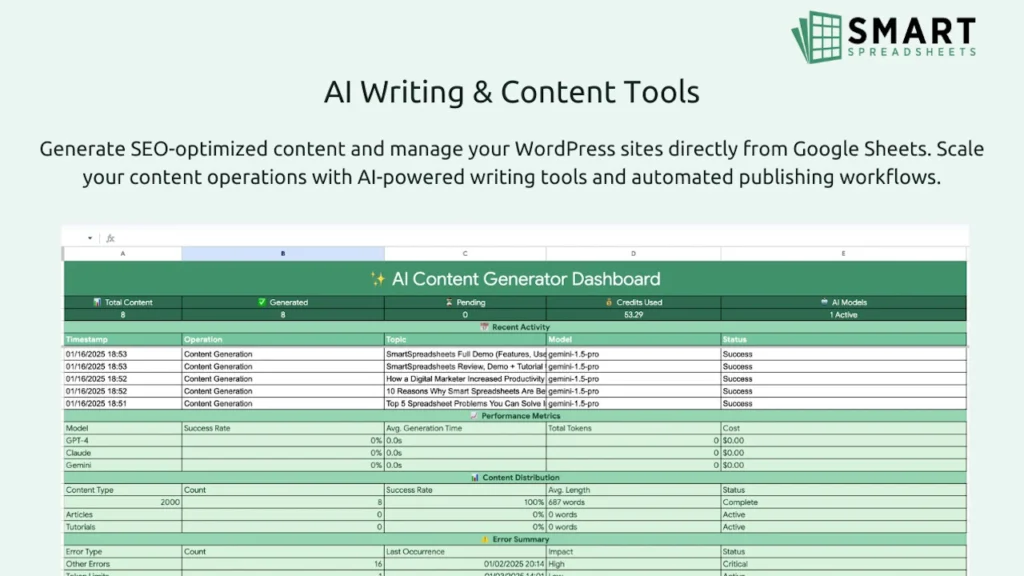
AI Content Creation and SEO Help
Write blog posts, articles, and product descriptions quickly. The AI also helps with SEO by finding keywords and tracking your rankings.
Automatic Data Scraping
Get data from websites and YouTube without doing it yourself. This helps with research and keeps your info fresh.
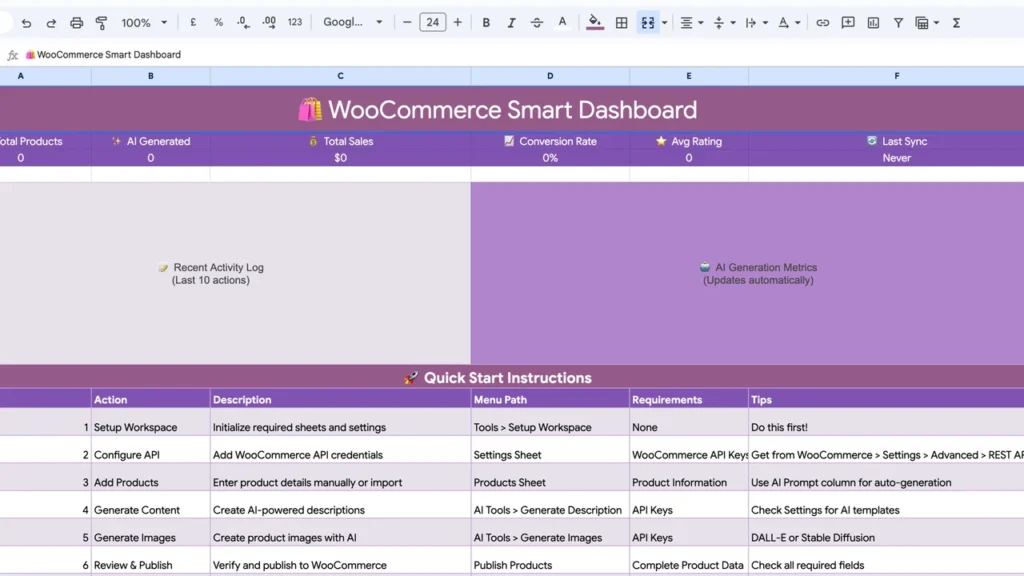
Manage E-commerce Easily
Connect your Shopify or WooCommerce store. Update products, prices, and stock in bulk from your spreadsheet.
Use Cases
- Bloggers and Writers
Create content faster and improve SEO. Save time and write more. - Marketers
Automate competitor research and schedule social posts. Work smarter with less effort. - Online Store Owners
Update your store from one place. Manage your products and prices easily. - Small Business Owners
Build a website quickly. No need to hire developers or learn coding.
Pros and Cons
| Pros | Cons |
|---|---|
| No coding needed for websites | Only works inside Google Sheets |
| AI tools speed up writing and SEO | Some features need Pro plan |
| Automates data scraping | No refunds after purchase |
| Syncs with Shopify & WooCommerce |
My Honest Opinion
I used SmartSpreadsheets and liked how simple it is. Making a WordPress site from a sheet was fast. The AI helped me write good content quickly. SEO tools were easy to use. Data scraping saved me a lot of time. Managing my Shopify store from one sheet was very handy.
If you use Google Sheets a lot, this tool will save you time and money. The lifetime price is much better than paying monthly fees. Just be sure you are comfortable working in spreadsheets.